
Quiz
Challenge
Taschen, known for art and design books, was launching History of Design: From the Beginning to WWII for new design students needing a quick reference guide. They aimed to reach students at home and convert the first-semester fanzine into an accessible digital format.
Result
My fanzine project was a creative box called “5 Styles,” featuring five paper matches, each representing a different art era. The matches don’t fully burn, symbolizing how past knowledge endures and inspires future designs. The game is simple yet practical, including five requested artistic movements—Egypt, Arts and Crafts, the Avant-Gardes, the Bauhaus, and Art Deco—divided into sections to facilitate understanding and learning from each individually.
Programs
- Figma
- Adobe Photoshop
- Adobe Illustrator
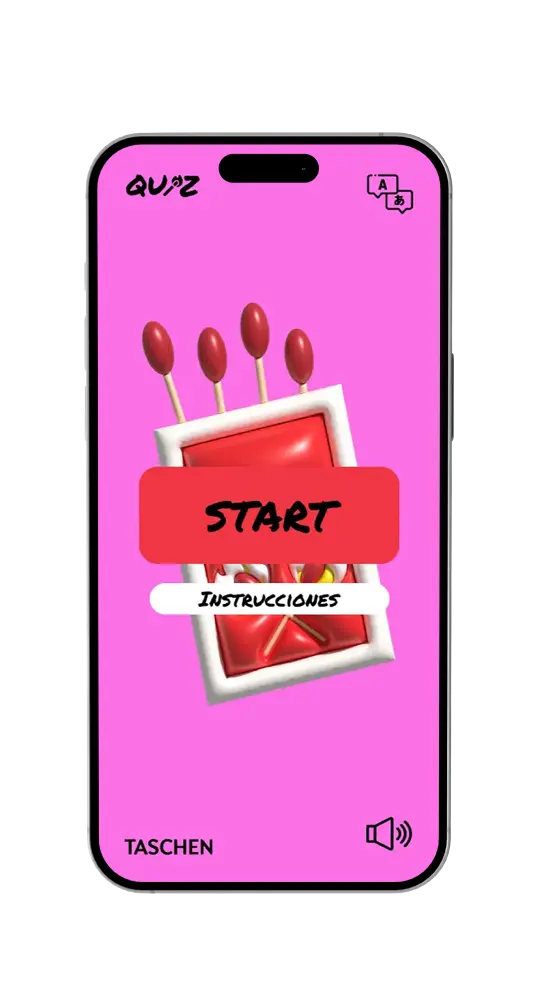
Start
My fanzine project was a creative box called “5 Styles,” featuring five paper matches, each representing a different art era. The matches don’t fully burn, symbolizing how past knowledge endures and inspires future designs.
The game is simple yet practical, including five requested artistic movements—Egypt, Arts and Crafts, the Avant-Gardes, the Bauhaus, and Art Deco—divided into sections to facilitate understanding and learning from each individually.
Sound
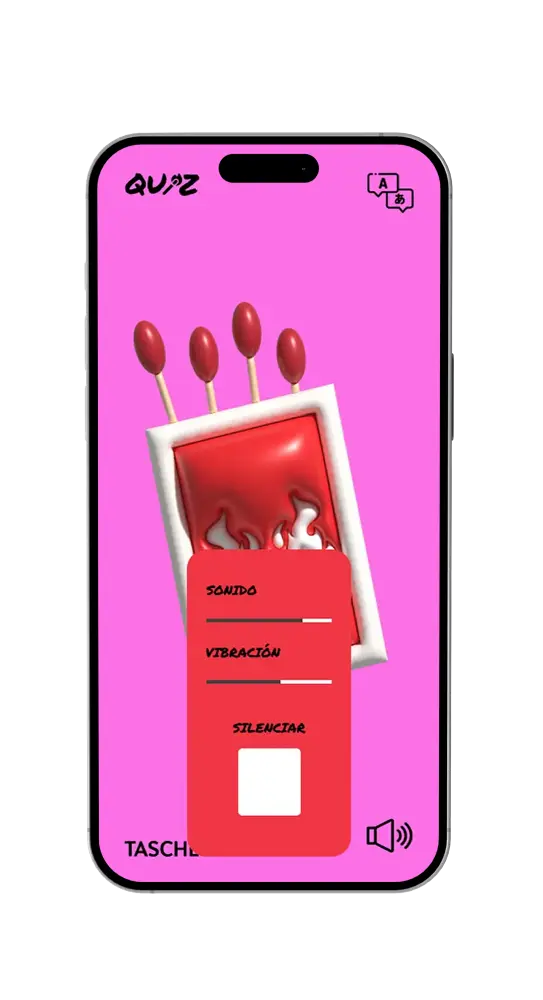
If the user clicks the sound button on the homepage, the website will direct them to this page. Here, they can adjust the sound and vibration separately, or click «Mute» if they want to turn off the sound completely.
Translation
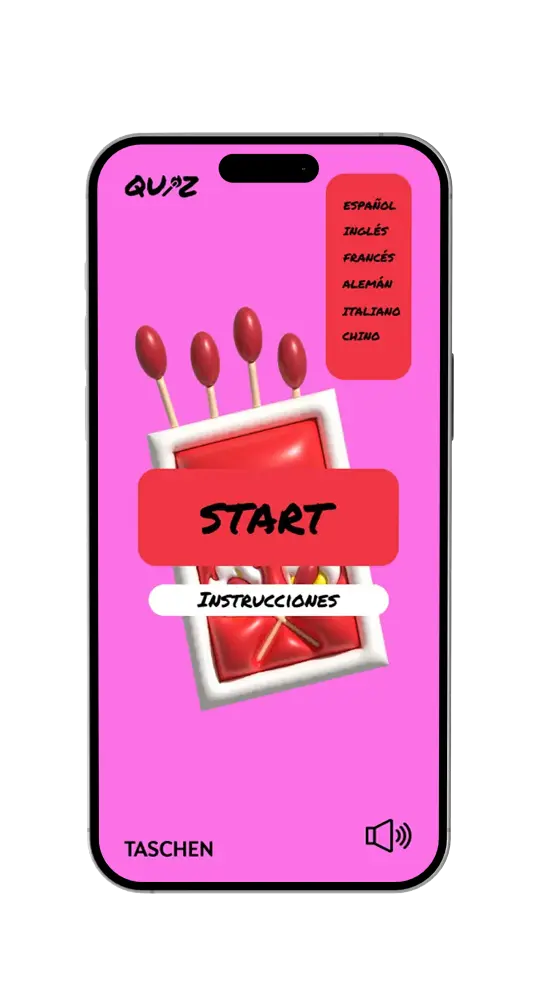
If the user clicks on the translator icon, the website will take them to this page. Here, they can choose from several languages: Spanish (native language), English (common language), French, German, Italian, and Chinese.
This is a useful feature because the target audience will not always be Spanish-speaking. In this way, we make it easier for users to understand the language.
Instructions
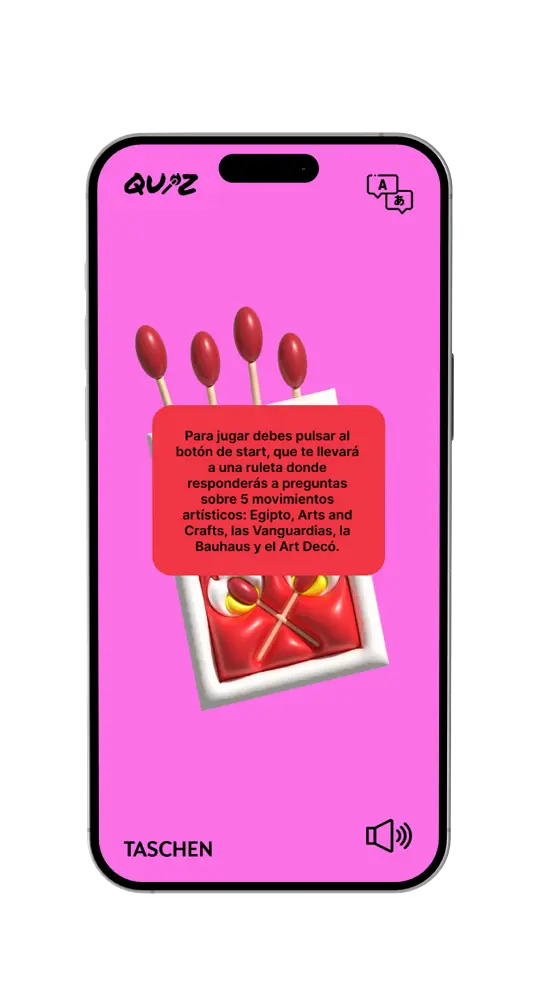
When the user clicks on the «Instructions» section on the homepage, they will be directed to this page. Here, a simple text will explain the game’s method for easy and practical understanding.
Roulette
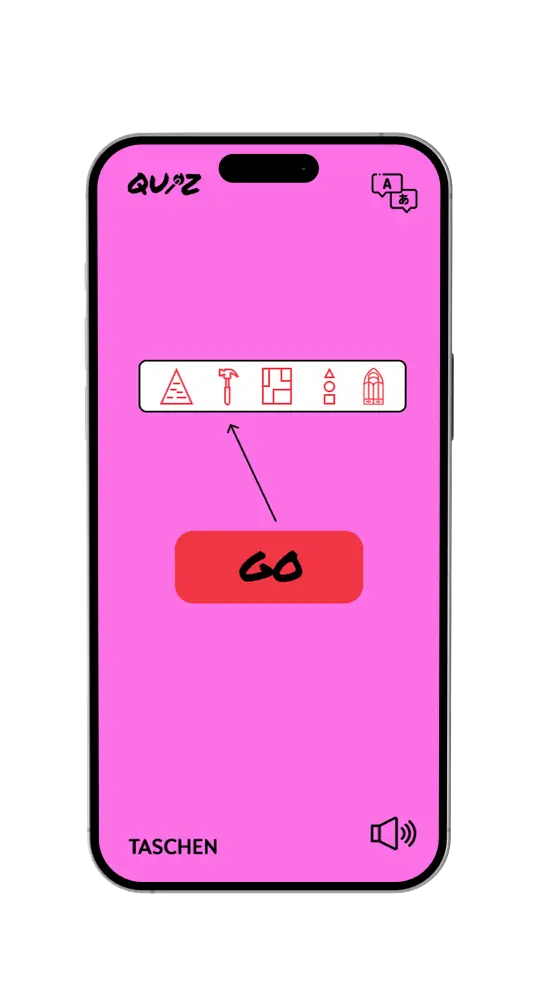
If the user clicks the «START» button on the homepage, they will enter this tab. Here, they will see a roulette wheel. By pressing the «GO» button, the website will automatically select one of the five icons displayed, each linked to questions about a specific artistic movement.
Questions
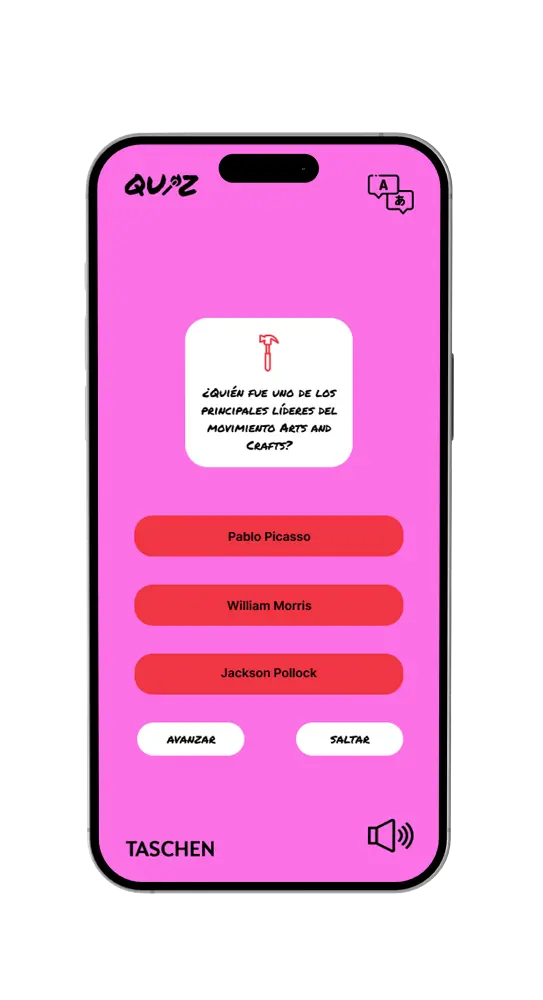
This is the page the user sees after selecting one of the five themes chosen by the game. In this example, the user is in the Arts and Crafts section. A question is displayed, and the user must choose the answer they believe is correct.
There are two additional buttons: «NEXT» and «SKIP.» After selecting an answer, the user must click «NEXT» to proceed. If they prefer not to answer, they can skip the question by clicking «SKIP.» The keyword «art» is also featured.
Correct Answer
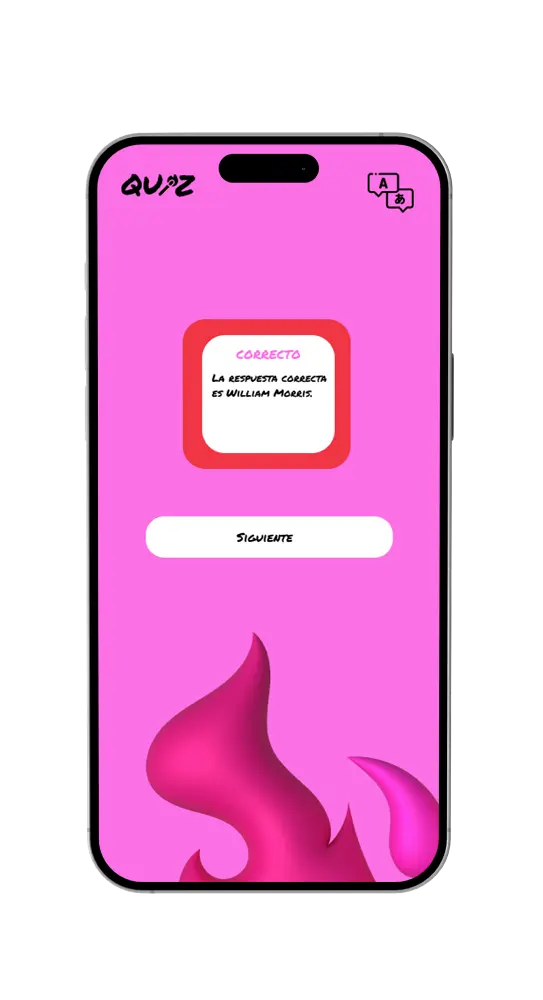
If the user’s answer is correct by selecting one of the previous options, the website will take the user to this page, where the correct answer will be shown. Once the viewer has read it, can click the «NEXT» button to continue playing and learn new concepts.
Incorrect Answer
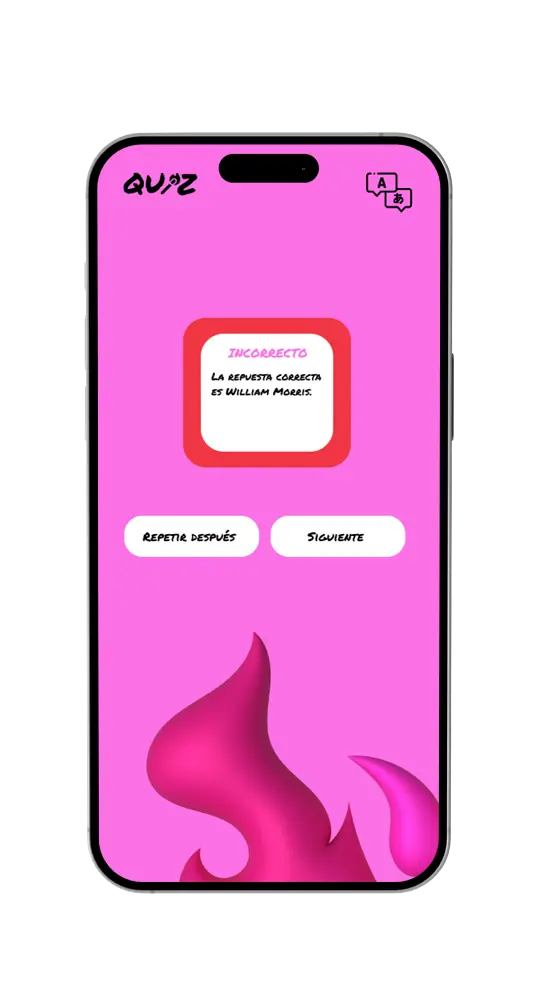
If the user’s answer is incorrect by selecting one of the previous options, the website will direct the user to this page, where the correct answer will be shown.
Once the user has read it, they can click the «NEXT» button to continue playing and learning new concepts. There is also an option called «REPEAT LATER,» which allows the question to appear again for the user to learn from it.
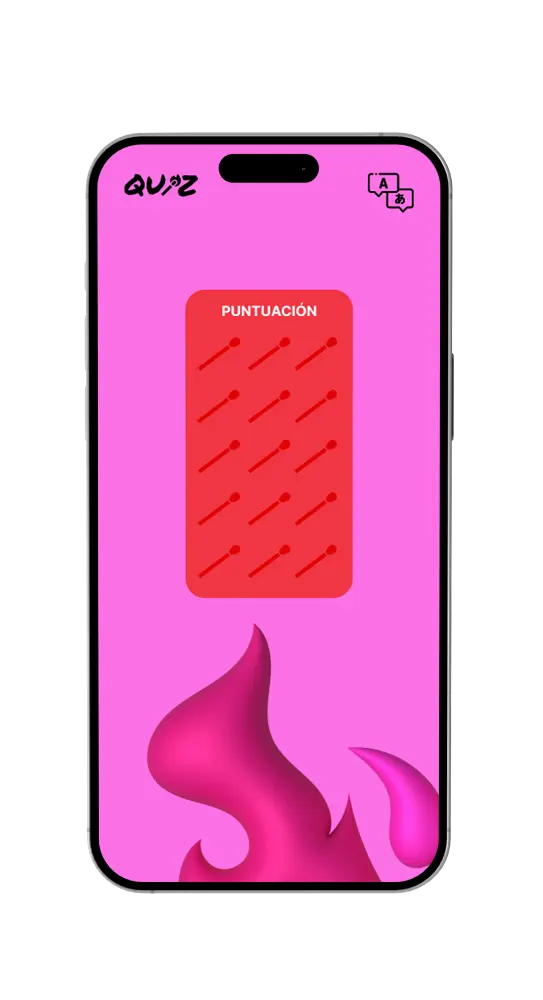
Score
This is the final page that will appear to the user after completing all the questions. Each matchstick icon represents one point. The user can see the total points they have earned in the game.
